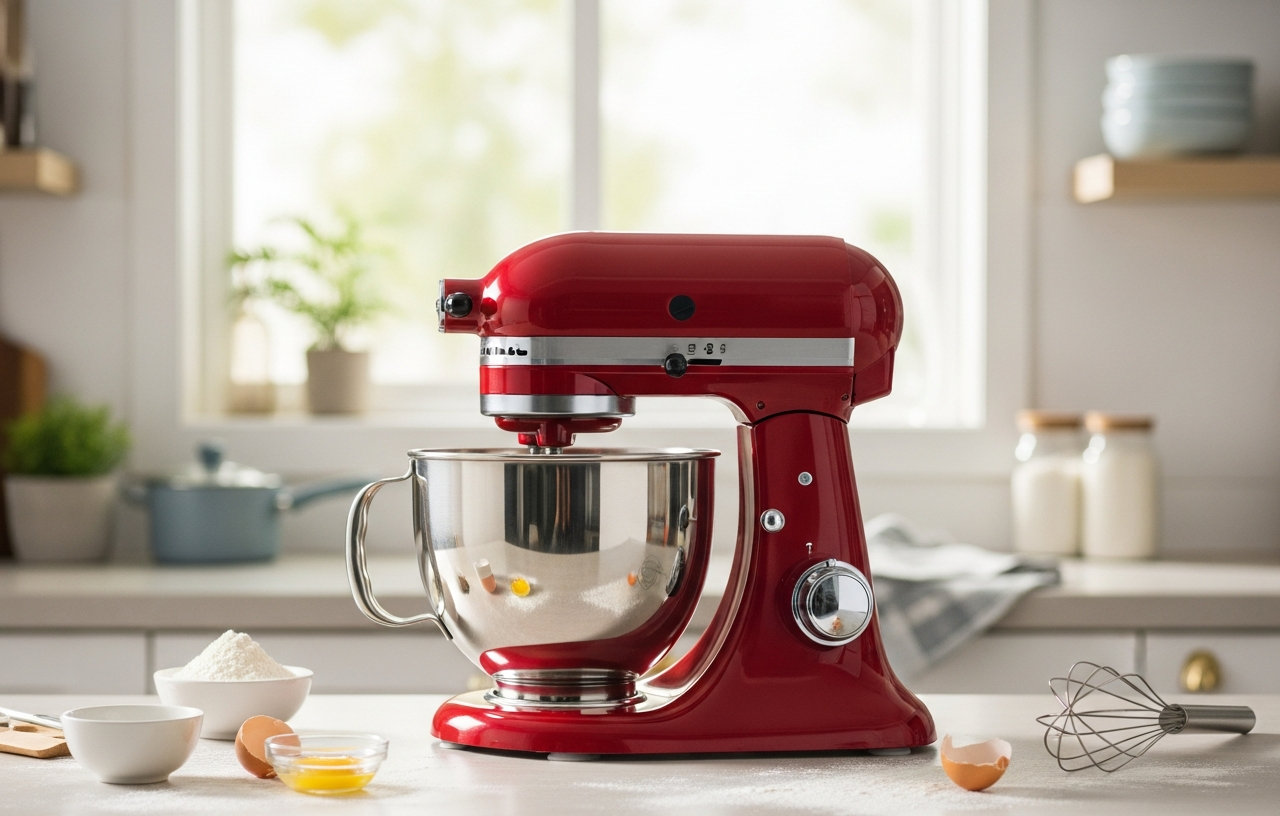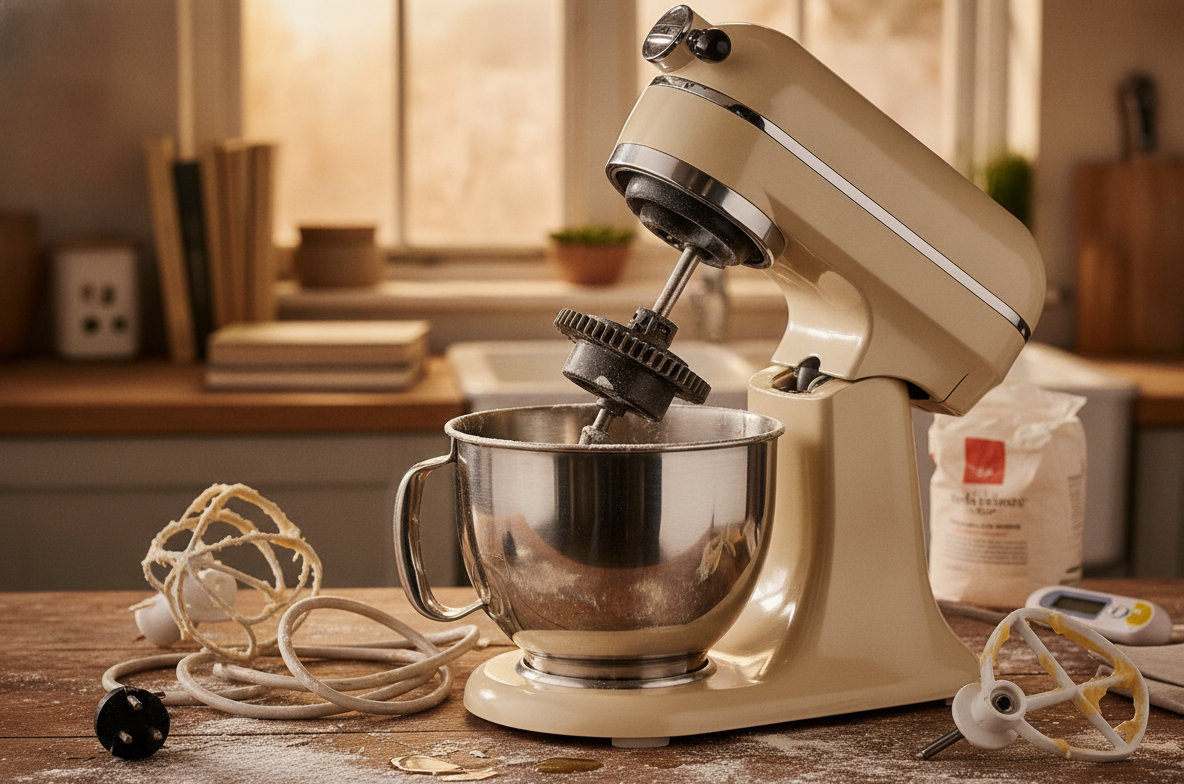
Stand mixers are powerful kitchen tools, designed to handle everything from whipping delicate meringues to kneading dense bread dough. However, like any motor-driven appliance, they can generate significant heat. When your stand mixer becomes excessively hot to the touch, emits a burning smell, or shuts down mid-operation, it is a clear sign of overheating. Addressing the cause promptly can prevent damage and extend the life of your appliance.
Why Your Stand Mixer Overheats
Several factors can lead to a stand mixer running too hot. Identifying the specific reason is the first step toward a solution. The most common issues relate to how the mixer is used.
Overloading the Mixer
The primary culprit behind stand mixer overheating is often overloading. This can happen in a few ways, all putting undue stress on the motor.
Too Much Dough or Ingredients
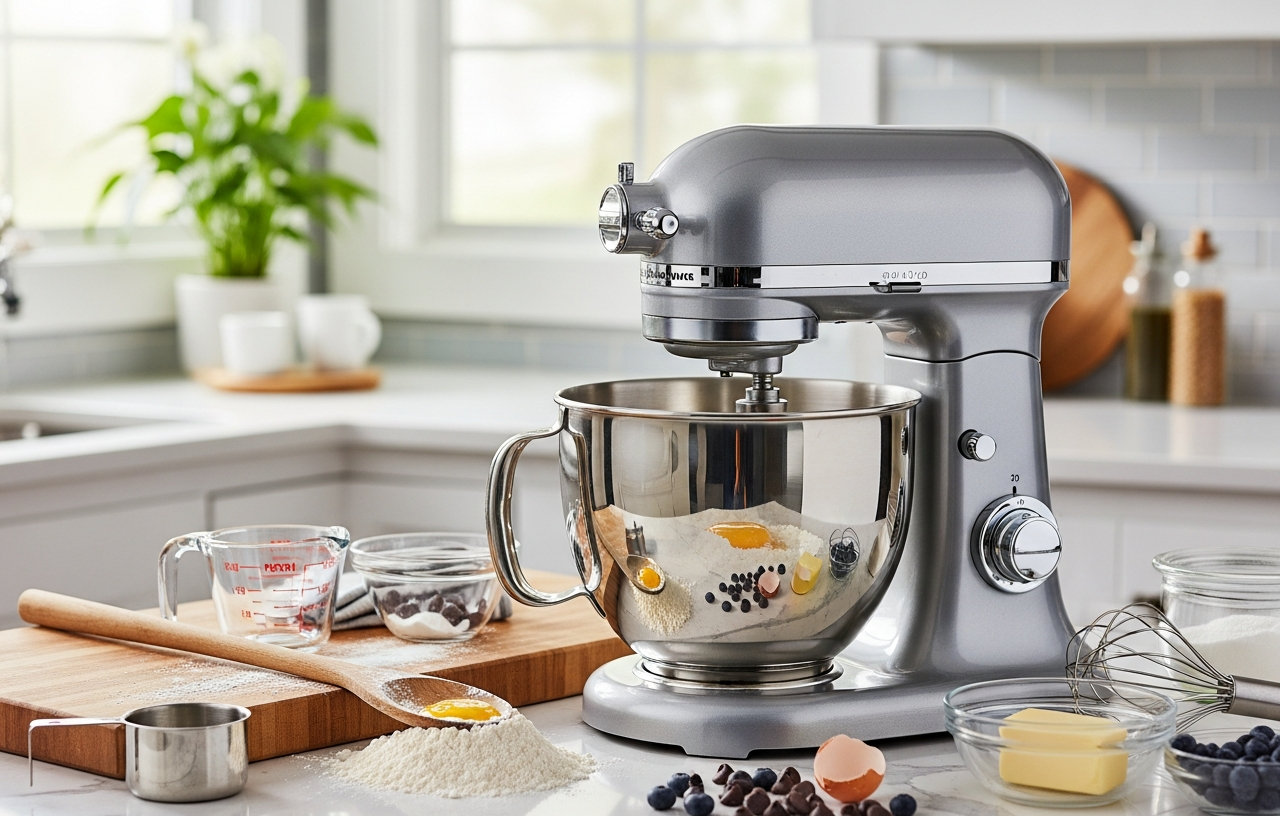
Every stand mixer has a maximum capacity, usually measured in cups of flour or the number of cookies it can mix in one batch. Exceeding these limits forces the motor to work harder than intended. A 5-quart mixer, for instance, might handle nine dozen cookies in a single batch, while a 4.5-quart model handles eight dozen. Pushing beyond these guidelines generates excess friction and heat within the motor.
Dough That Is Too Stiff
Heavy, dense doughs, such as those for artisan breads or stiff bagel dough, demand considerable power from the mixer. If the dough is too dry or too thick, the motor struggles to turn the attachment through the resistant mixture. This continuous strain quickly builds up heat. Always follow recipe guidelines for hydration levels, especially with yeast doughs.
Using the Wrong Speed or Attachment
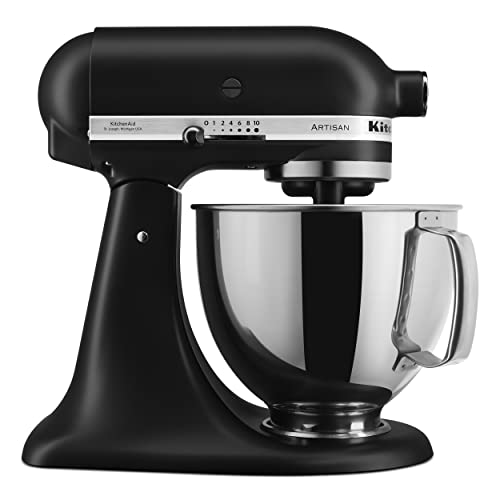
Stand mixers come with various speeds and attachments, each suited for different tasks. Using a high speed for heavy doughs, for example, puts immediate and intense stress on the motor and gears. Dough hooks are designed for kneading at low speeds, while whisks are for aerating at higher speeds. Misusing these can cause the motor to labor unnecessarily. Mixers like the KitchenAid Artisan Series 5 Quart Tilt Head Stand Mixer with its durable metal construction and 59 touchpoints around the bowl are built for various tasks, but even these robust machines require correct speed and attachment pairing to prevent overheating.
Extended Use Without Rest
Even if you are using your stand mixer within its capacity and with the correct settings, continuous operation for prolonged periods can cause it to overheat. Motors need time to dissipate heat. If you are making multiple batches of dough or running an attachment like a pasta maker for an hour straight, the motor might not have enough opportunity to cool down naturally. Many stand mixers include a thermal cut-off switch that will automatically shut down the unit if it gets too hot. This is a safety feature designed to prevent permanent damage to the motor.
Blocked Ventilation Ports
Stand mixers have ventilation slots or ports, usually located on the head or base, to allow air to circulate and cool the motor. If these ports become clogged with flour dust, grease, or other debris, the hot air cannot escape efficiently. The trapped heat will then build up inside the motor housing, leading to overheating. A quick visual inspection can often reveal a blockage.
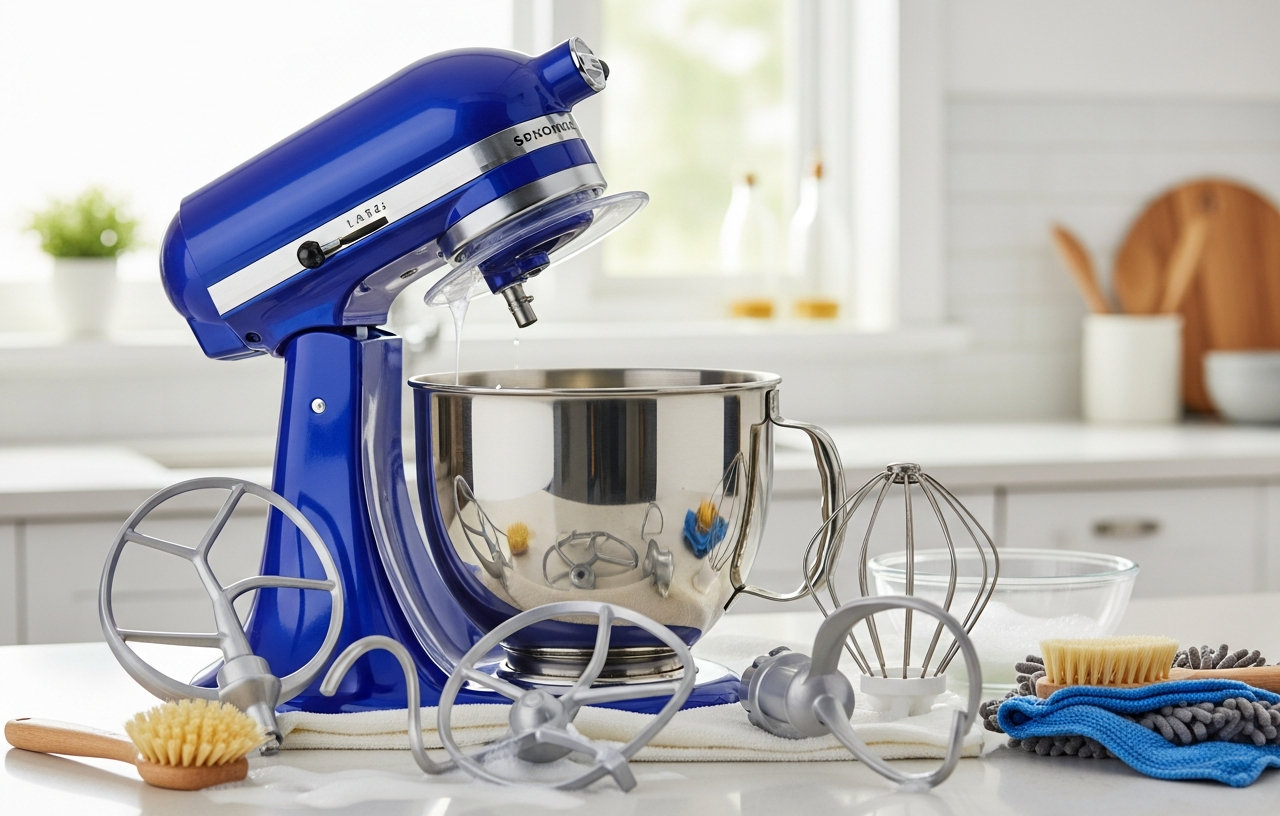
Maintaining a clean mixer is important for performance and longevity. Learn how to clean your stand mixer and its attachments properly to prevent buildup.
Worn Gearing or Internal Component Issues
Over time, the internal gears or other mechanical components within your stand mixer can wear down. Stripped gears, insufficient lubrication, or misaligned parts create increased friction and resistance, forcing the motor to work harder and generate more heat. These issues often manifest as unusual grinding noises before overheating occurs. You might notice a metallic or burning plastic smell as well.
If your mixer is making strange noises, you may find solutions in our guide: Stand Mixer Grinding Noise? Here's How to Fix It.
Motor or Electrical Problems
Less commonly, overheating can stem from an internal motor defect or electrical issue. Problems like a faulty motor winding, a failing capacitor, or even an issue with the power cord can cause the motor to draw too much current or operate inefficiently, leading to excessive heat. These are typically more serious problems that require professional diagnosis and repair.
If your mixer is not turning on at all, it could be an electrical problem. Explore common causes and fixes for a stand mixer that won't turn on.
Troubleshooting Steps for an Overheating Mixer
If your stand mixer starts to overheat, follow these steps to diagnose and resolve the issue.
- Immediately Unplug the Mixer: Disconnect the mixer from the power outlet as soon as you notice signs of overheating, such as excessive heat, a burning smell, or an automatic shutdown.
- Allow It to Cool Down Completely: Give the mixer at least 30 minutes, or longer, to cool down. Do not attempt to restart it until it is cool to the touch. Forcing it to run while hot can cause permanent damage.
- Inspect for Overload: Consider the ingredients you were mixing. Was the bowl overfilled? Was the dough exceptionally stiff? For your next batch, reduce the quantity of ingredients, especially flour, and make sure any dough is properly hydrated. If you are mixing bread dough, try adding liquids gradually.
- Check Speed and Attachment Use: Confirm you were using the correct attachment and speed setting for the task. Always use low speeds for heavy mixtures like doughs and batters. Refer to your mixer's user manual for specific recommendations.
- Clear Ventilation Ports: Visually inspect the ventilation slots. Use a soft brush, a dry cloth, or a vacuum cleaner attachment to gently remove any accumulated dust, flour, or debris. Make sure air can flow freely through these openings.
- Listen and Observe: When you restart the mixer after it has cooled, listen for any unusual grinding, rattling, or squealing noises. Observe if it struggles with lighter loads. These could indicate internal mechanical issues.
Understanding how to properly use your mixer can prevent many issues. Review our guide on how to use a stand mixer, including speeds, tools, and care.
When to Seek Professional Help or Consider Replacement
While many overheating issues are resolved with simple adjustments, some problems require more serious intervention.
If your mixer continues to overheat even after you have followed all troubleshooting steps, or if you notice a persistent burning smell, smoke, sparks, or loud grinding noises, it is time to consider professional repair. Internal motor or gear issues are beyond the scope of typical DIY fixes and attempting to repair them yourself can be dangerous or cause further damage. A qualified appliance technician has the specialized tools and expertise to diagnose and fix these problems.
The cost of professional repair can vary significantly. Simple fixes like replacing a worn gear might be a moderate cost, while extensive motor repairs could be expensive. Compare the estimated repair cost with the price of a new stand mixer. If the repair cost approaches or exceeds a significant percentage of a new mixer's price, investing in a new appliance might be more economical in the long run. Modern mixers often come with improved durability and efficiency. If your mixer is older and frequently causes issues, a new one could be a worthwhile investment.
Preventing Future Overheating
Proactive care and proper usage are the best ways to keep your stand mixer running smoothly and prevent overheating.
- Read Your User Manual: Your mixer's manual contains specific guidelines for capacity, recommended speeds for different tasks, and maintenance instructions. Familiarize yourself with these details.
- Respect Capacity Limits: Never overfill the mixing bowl. If a recipe calls for more ingredients than your mixer can handle, divide the recipe into smaller batches. This is especially important for heavy doughs.
- Use Correct Speeds and Attachments: Always match the attachment and speed to the task. Use low speeds for mixing and kneading heavy ingredients, and reserve higher speeds for whipping and aerating lighter mixtures.
- Allow for Rest Periods: If you are working on a large baking project that requires continuous mixing, give your stand mixer short breaks, especially between batches or after extended periods of heavy work. A 10-15 minute rest can make a big difference.
- Regular Cleaning and Maintenance: Keep the exterior of your mixer clean, paying special attention to the ventilation ports. Wipe down the mixer after each use to prevent flour and debris from accumulating.
A stand mixer is a significant investment for any kitchen. By understanding the common causes of overheating and adopting good usage habits, you can keep your appliance performing reliably for years to come. Promptly addressing any signs of overheating will help you avoid costly repairs and enjoy countless baking sessions.